Which HubSpot-to-Salesforce Migration Tools Preserve the Signal AI Models Actually Need
Preserving relationships and engagement history ensures Salesforce AI can act on migrated data.

HubSpot-to-Salesforce migration tools should be judged by the signal they preserve. Activity histories, relationships, and attribution must retain the structure Salesforce’s AI stack needs. The right tool category depends on which of those signals is most at risk, while producing an AI-ready system requires preparation and post-cutover monitoring.
Why this migration is an AI readiness event, not a data transfer project
Moving to Salesforce changes the demands placed on CRM data. Agentforce reasons across Salesforce’s metadata layer to execute sales and service tasks, while Data Cloud unifies customer data in real time. Those capabilities depend on more than populated records. They require a usable representation of customer relationships, engagement, and intent, so migration decisions become decisions about what autonomous processes can understand and act on.
The architectural distinction is not simply one of company size. HubSpot’s embedded AI experience works on a unified native database, while Salesforce’s model lets autonomous agents run revenue operations across a broader platform. That changes the acceptance test for migration. A transferred contact is not sufficient evidence of success if the receiving system cannot connect that person to the account, opportunity, and history needed for an AI-enabled process.
What Salesforce's AI stack actually needs from migrated data
Relational context defines how records connect within Salesforce’s object model. Contacts belong to Accounts, Opportunities connect to Contact Roles, and Campaign Members support attribution. These relationships require explicit reconstruction from HubSpot’s model, including conversion logic for separating its unified contact view into Salesforce Leads and Contacts. The relationships are part of the specification. A field mapping alone does not define which person participated in which opportunity or how that participation should be represented.
Activity history shows how customers have engaged. It includes email opens, meeting notes, call logs, form submissions, and website clicks, which the two platforms store differently. Data Cloud and Einstein AI insights depend on this evidence. Its migration specification therefore needs to identify the destination for each activity type and retain the associations that make an engagement useful beyond its existence as a standalone record.
Attribution chains connect engagement with commercial outcomes. Salesforce Campaign Influence has no direct HubSpot equivalent, so multi-touch attribution needs separate handling to support marketing reporting and AI forecasting. Agentforce also needs data and workflows prepared for agents to use. Kizzy Consulting’s 2026 migration guide identifies duplicate and incomplete-field resolution, useful relationships among Accounts, Contacts, Opportunities, Cases, and activities, authorized data access, and documented workflows as preparation for agent-supported processes.
How signal destruction actually happens during migration
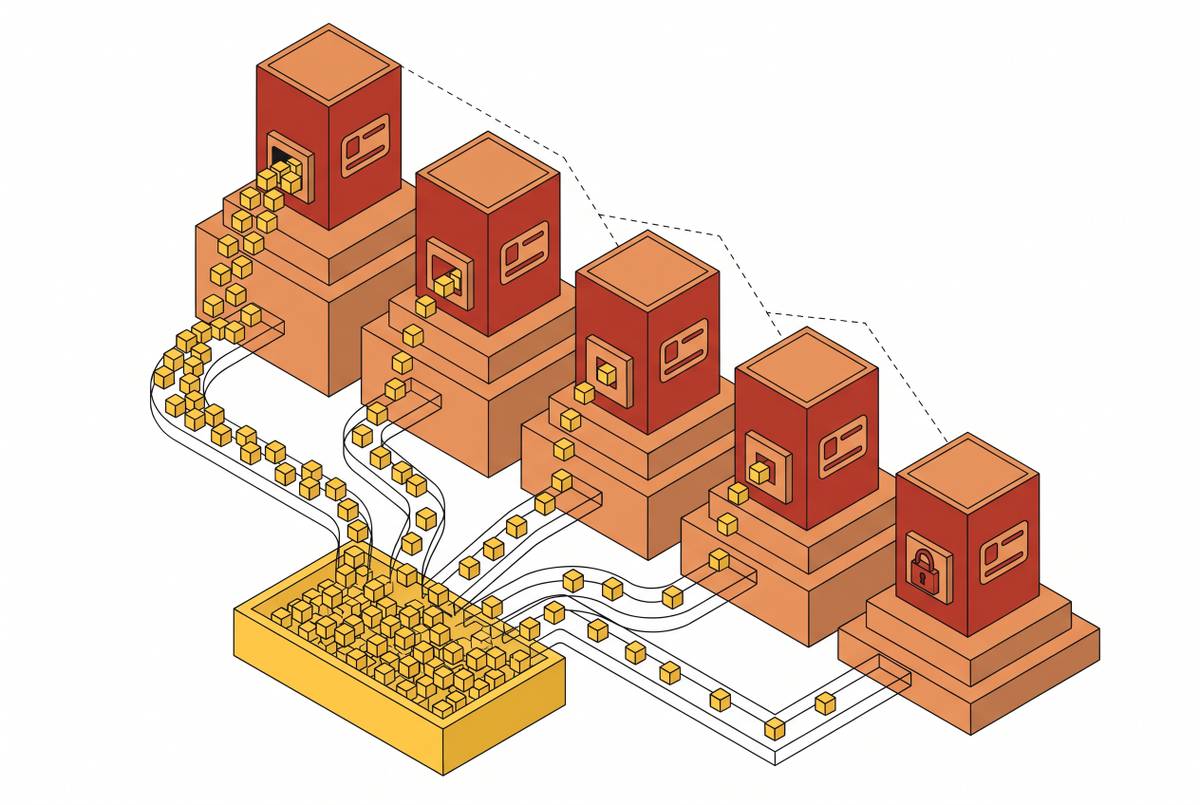
CUBE84’s 2026 migration roadmap identifies “flattened” data as a consequence of failing to reconstruct relationships when splitting HubSpot’s contact model into Salesforce Leads and Contacts. Records survive, but their connections do not. Without a relational mapping protocol, contact-to-deal associations can break and records can become orphaned. Load order creates a related risk, because Accounts must precede Opportunities, Opportunities must precede activities, and users must precede their related records.
Kizzy Consulting identifies the need to confirm the supported export method and destination for each data category because not every HubSpot record or engagement maps to a standard Salesforce object. Activity history is especially at risk from this mismatch. Incomplete exports, broken association IDs, and import limits that truncate batches can leave contacts intact while their engagement history is absent. A missing integration handshake can also prevent weeks of calls, emails, and meetings from reaching Salesforce.
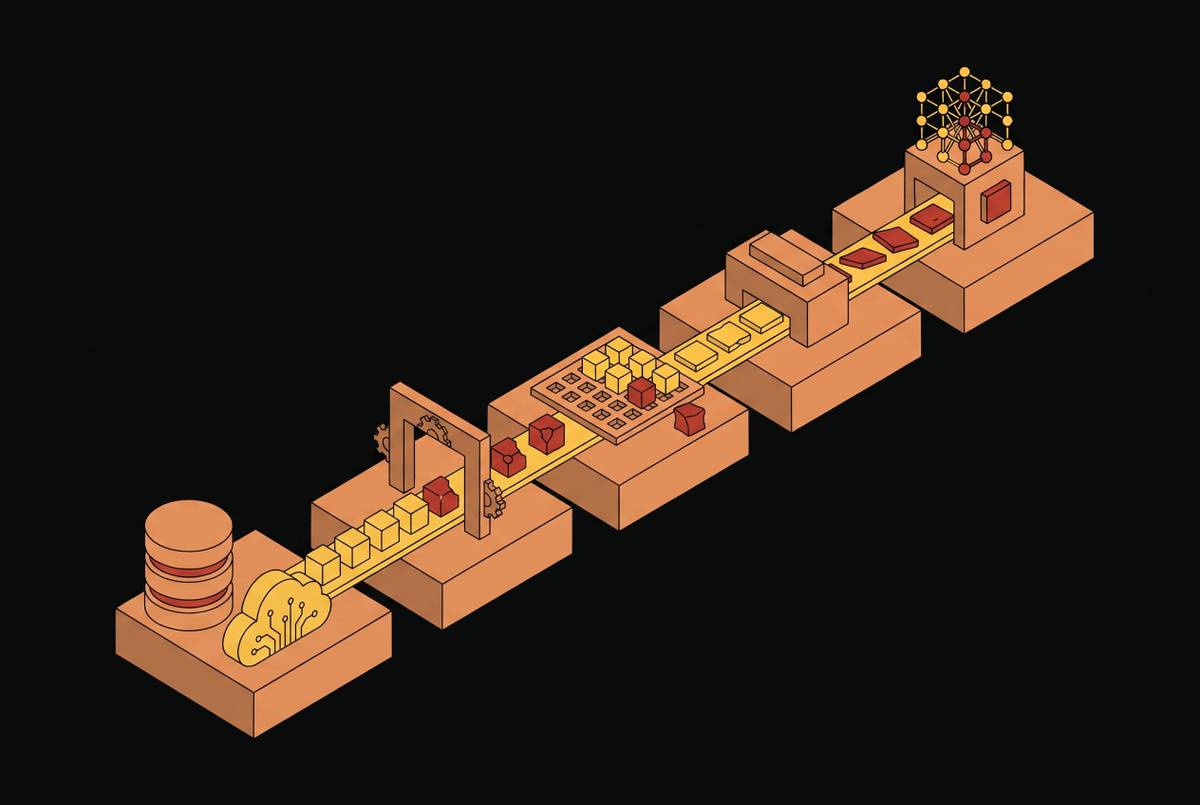
RevSync’s August 2026 guide identifies skipping parallel running as the most common cause of irreversible revenue data loss. Its sequence moves from sandbox testing through phased import, integration reconnection, parallel running, and validated cutover. Both systems must be kept up to date during the transition. If that continuity breaks, the destination can lose revenue activity even when the initial import completed successfully.
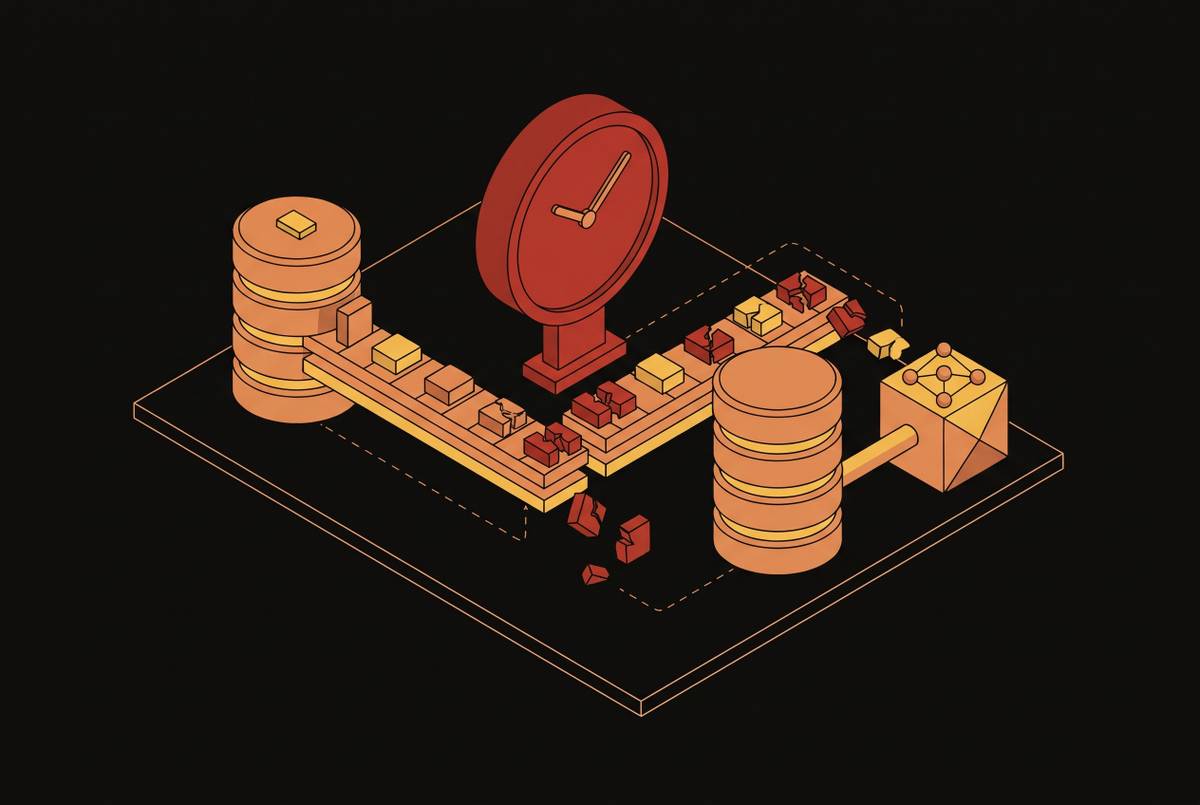
Field mapping errors create a less visible failure. They can produce subtly wrong lead scores for months without throwing errors, while missing Legacy HubSpot IDs prevent audits from tracing corrupted destination records to their source. The resulting loss is not merely administrative. Models keep producing scores and forecasts from relationships that have changed, engagement patterns with gaps, and conversion evidence that is now wrong.
Why AI models fail silently when migration data is corrupted
An AI model can keep running when migration corrupts its data. It can instead produce gradual degradation that looks like normal output until business outcomes deteriorate.
Models trained on a legacy CRM’s schema, field names, and historical patterns become unreliable when migration changes those inputs and the models are not retrained to match. Most migration plans do not schedule that retraining cycle. The data moves, but the model’s learned assumptions do not automatically follow.
For B2B revenue teams, the effects are specific. Lost historical conversion rates damage lead scoring, missing engagement touchpoints corrupt attribution, and incomplete opportunity data undermines forecasting used at board level.
Agentforce extends the consequence from prediction to action. An autonomous agent acting on a wrong record can repeat the error at machine speed. The architecture that enables independent execution also amplifies the cost of a corrupted input.
The pre-migration practices that determine whether signal survives
Teams need to decide which signals to preserve before choosing how to transfer the data. The first practice is a documented source audit covering every contact, company, deal, ticket, workflow, campaign, report, and active integration. Scope begins with that inventory. Decisions about what migrates, what is archived, and what is discarded determine which historical evidence remains available to the receiving AI stack.
Once the scope is explicit, the second practice is source cleaning. Deduplication and standardization of phone numbers, addresses, and picklist values should precede movement so that mapping does not introduce further inconsistencies. Selective migration of active, clean data is preferable to transferring everything indiscriminately. That decision must come after the audit, because cutting the amount of data without understanding which signals it keeps can remove useful history.
The third practice is a relational mapping protocol. For every HubSpot data type, it should name the Salesforce destination object, field transformations, and record ownership, including supported export methods for engagements without standard equivalents. This establishes what the tool must execute. Lead-to-Contact conversion rules and the associations between objects should be specified explicitly in that design.
The fourth practice makes that design auditable. A “Legacy HubSpot ID” custom field should exist on each core Salesforce object, including Contact, Account, and Opportunity, before migration begins. These identifiers support cross-system investigation after cutover. Without them, teams lose the reliable link needed to identify which source record corresponds to a corrupted destination record.
The fifth practice tests the preceding decisions together. A representative sample should move into a sandbox before any production data moves, with validation of record counts, relationships, ownership, and engagement history. Counts are only one test. A sample that imports successfully but loses its associations has exposed a mapping failure before the full migration reproduces it.
How the four migration tool categories handle signal differently
Salesforce ecosystem consultancies, represented by Twistellar, design the destination data model before mapping HubSpot objects into it. They are strong at building relational context, including custom objects and the work of rebuilding Contact Role links. They preserve activity history as part of historical data and can handle Campaign Influence on its own, beyond matching fields. The risk lies in transition management. A full implementation, typically three to six months, creates a longer parallel-run window in which relationships, activities, and attribution can diverge between systems before cutover.
Self-service migration platforms with guided options, such as MigrateMyCRM, use AI-powered field automapping to cut down on routine mapping work. DIY, guided, and custom options support simpler migrations with less manual effort at the field level. Their strength is accuracy for standard-object fields. Their relational risk is that field names and data types do not express relationship semantics, so automapping cannot infer that a HubSpot engagement log should become a Salesforce Task linked to a Contact Role on an Opportunity. Teams therefore need to handle activity history and attribution by hand, even in guided mode.
Continuous-sync integration platforms keep both systems current rather than treating migration solely as a one-time transfer. Their strength is continuity during parallel running, reducing the risk of irreversible divergence at cutover. Against the same framework, this approach supports the currency of mapped relationships, activities, and attribution, but does not by itself establish that their structures have been reconstructed correctly. Historical depth is the principal risk. These platforms are built to keep systems connected over time, with less focus on deep backfill, so years of legacy activity may need a separate migration plan, and teams still need to design relational and attribution mappings explicitly.
Activity capture platforms, represented by People.ai, focus on unlogged and partially logged engagement. Their strength is forward activity capture for forecasting and reporting. For relational context, they enrich what is already in the destination rather than replacing the reconstruction of object relationships. For attribution, newly captured engagement can address missing touchpoints, but capture is not a substitute for migrating Campaign Influence or historical multi-touch data. The historical limit is clear. People.ai can fill activity gaps going forward, but it cannot recover a past that was never captured.
The choice depends on where the organization’s signal is most at risk, whether from complex structures, years of history, or activity that never reached the source CRM.
When enrichment after migration is necessary to restore the signal that tools cannot transfer
A technically successful transfer can still leave Salesforce short of useful evidence. HubSpot contact and company records typically contain what was entered manually or synced from forms, while Agentforce benefits from richer firmographic, technographic, and intent data. Enrichment is therefore needed when AI readiness calls for context beyond what even a faithful copy of the source can provide.
Sparse activity histories create a different boundary. When representatives worked outside HubSpot or logged engagement inconsistently, the transferred record understates actual activity, even if every available entry arrives. People.ai addresses that gap on a forward basis. New capture improves the evidence available after migration, but it must not be mistaken for restoration of missing historical behavior.
Duplicate control also changes after cutover. Migration-time detection cannot prevent new duplicates introduced by data entry, integrations, or enrichment sources. An agentic data reliability layer that monitors the live Salesforce org, detects duplicates, missing fields, and inconsistencies, and proposes fixes complements transfer tools by addressing the conditions under which AI operates after migration.
A signal-preservation checklist for evaluating any migration tool or partner
The evaluation should begin with demonstrable relational behavior. A tool or partner should explain its protocol for translating HubSpot’s flat model into Salesforce’s hierarchy, who defines Lead-to-Contact conversion rules, and how Contact Role associations on Opportunities are validated after import. Load order belongs in that account. Accounts must precede Opportunities, Opportunities must precede activities, and users must precede records that depend on them.
The next test is activity coverage. The evaluation should identify which activity types transfer, which are excluded, and where engagements without standard Task or Event equivalents will go. Contact counts cannot answer those questions. Post-import validation should compare activity counts against the source and examine the relationships that connect those activities to the records an AI process will use.
Attribution requires its own acceptance criteria. The approach should explicitly address Campaign Influence and explain the treatment of multi-touch data where no direct platform equivalent exists. Campaign membership alone is not sufficient evidence. The evaluation needs to distinguish a successfully mapped field from a preserved chain of engagement and outcome.
The final test extends beyond the import. The plan should define the parallel-run period, preserve Legacy HubSpot IDs on core objects, and include Agentforce readiness validation covering relationships, field completeness, authorized access, and documented workflows. It should also name who will handle deduplication, fill in missing fields, and check for consistency after cutover. AI readiness depends on continuing to detect and correct changes that weaken the signal in the live system.